Arrange your workspace
How-to · CohortDAG 0.2.9
Resize a panel
Drag the edge of a panel to resize it. Widen the left panel to read longer names, then click Fit Graph.

Resize the right panel
Drag the left edge of the right panel to resize it the same way.

Hide and show panels
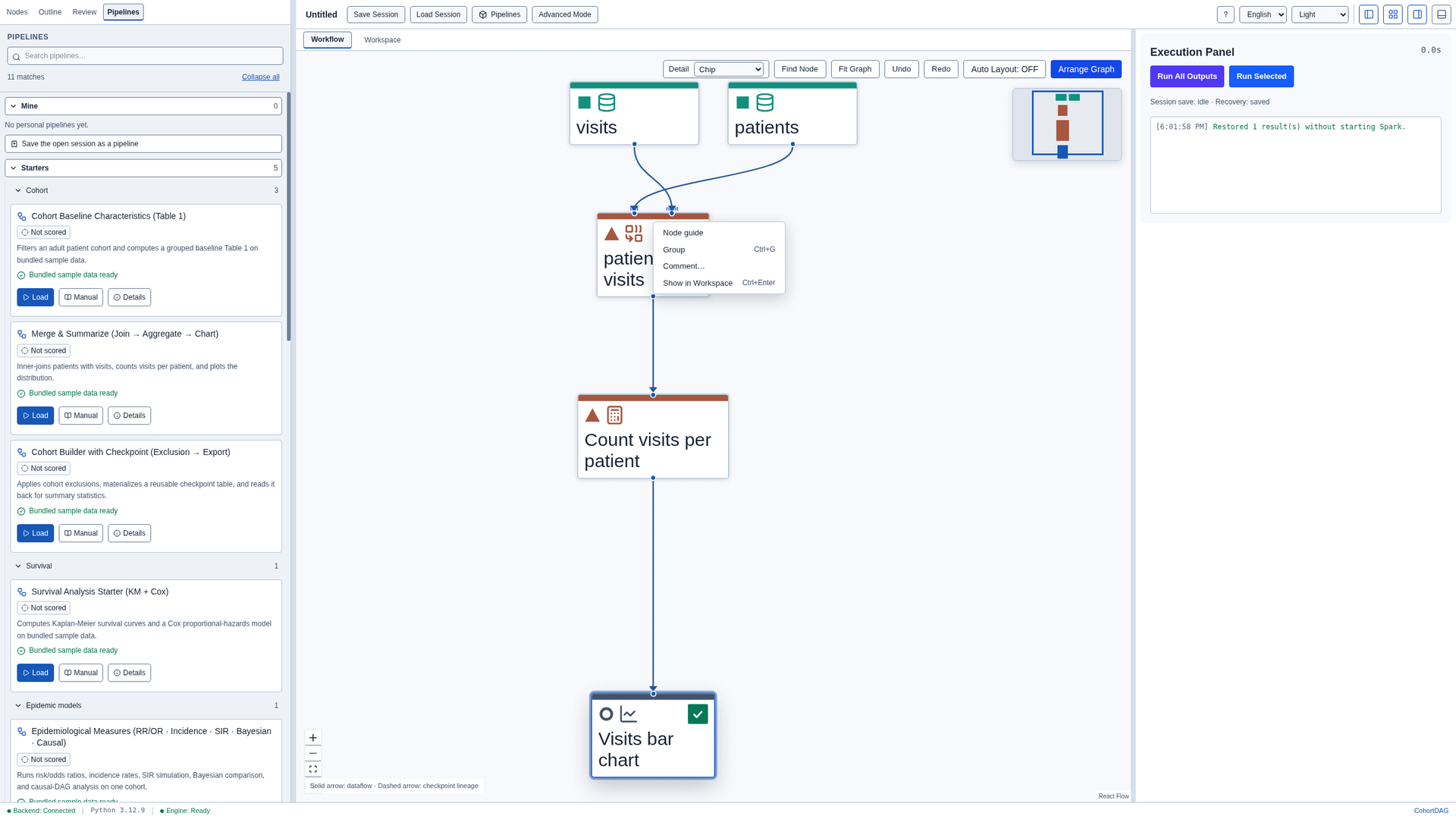
The four buttons at the top right hide and show the panels. Hide the left panel for more room, then show it again.

Zoom and pan
Scroll over the canvas to zoom, and drag an empty area to pan. Click Fit Graph to bring the whole pipeline back into view.

A node's menu
Right-click a node to open its menu. From here you can open its guide, group nodes, add a comment, or click Show in Workspace.