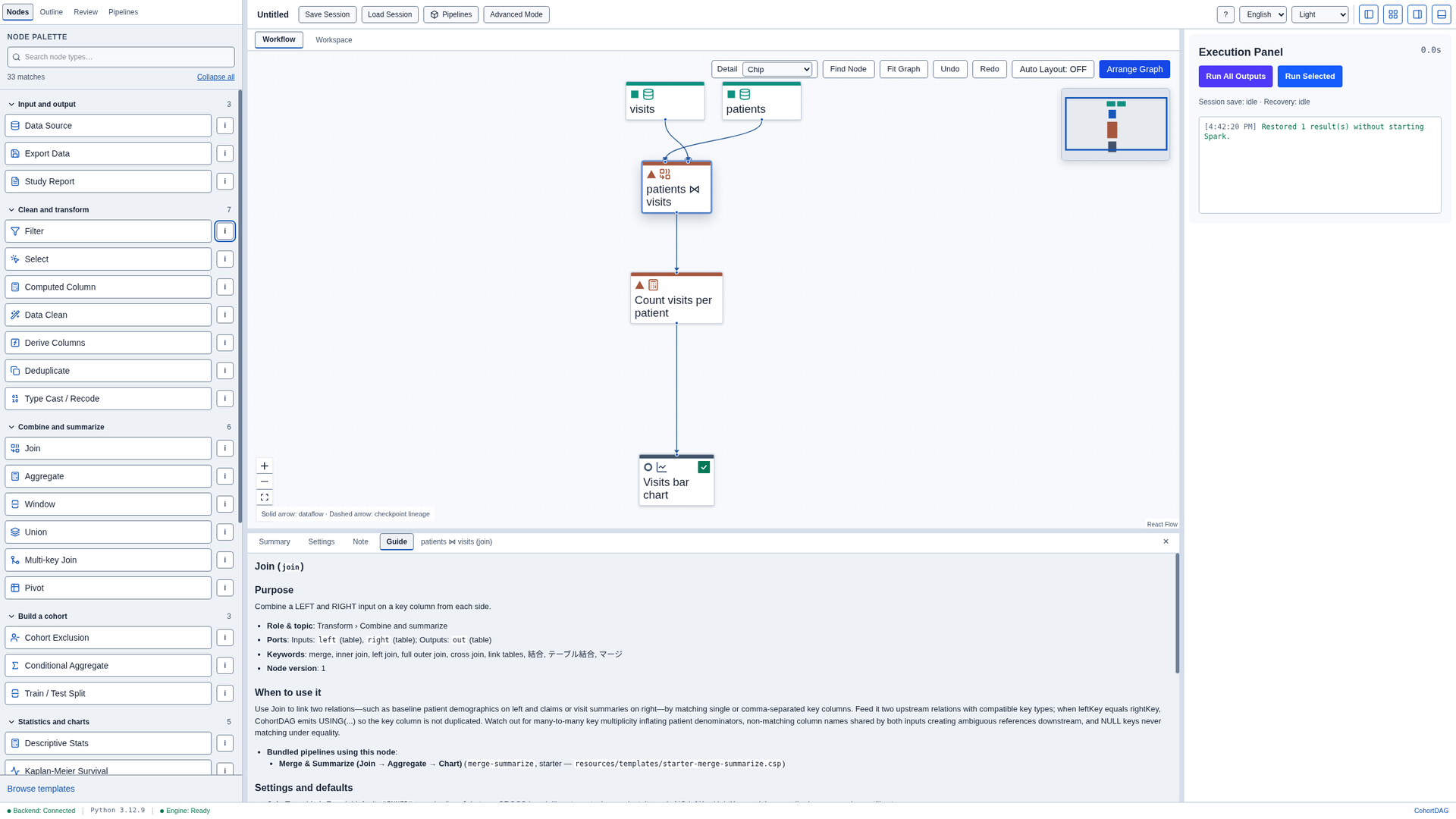
Read the guide for any node
How-to · CohortDAG 0.2.9
Open the Pipelines tab
Start from the toolbar. Click Pipelines to see the pipelines included with CohortDAG.

Load a starter pipeline
Choose the Merge & Summarize starter, and click Load. Its nodes appear on the canvas, already connected. Close the results panel, then click Arrange Graph so every node has room.
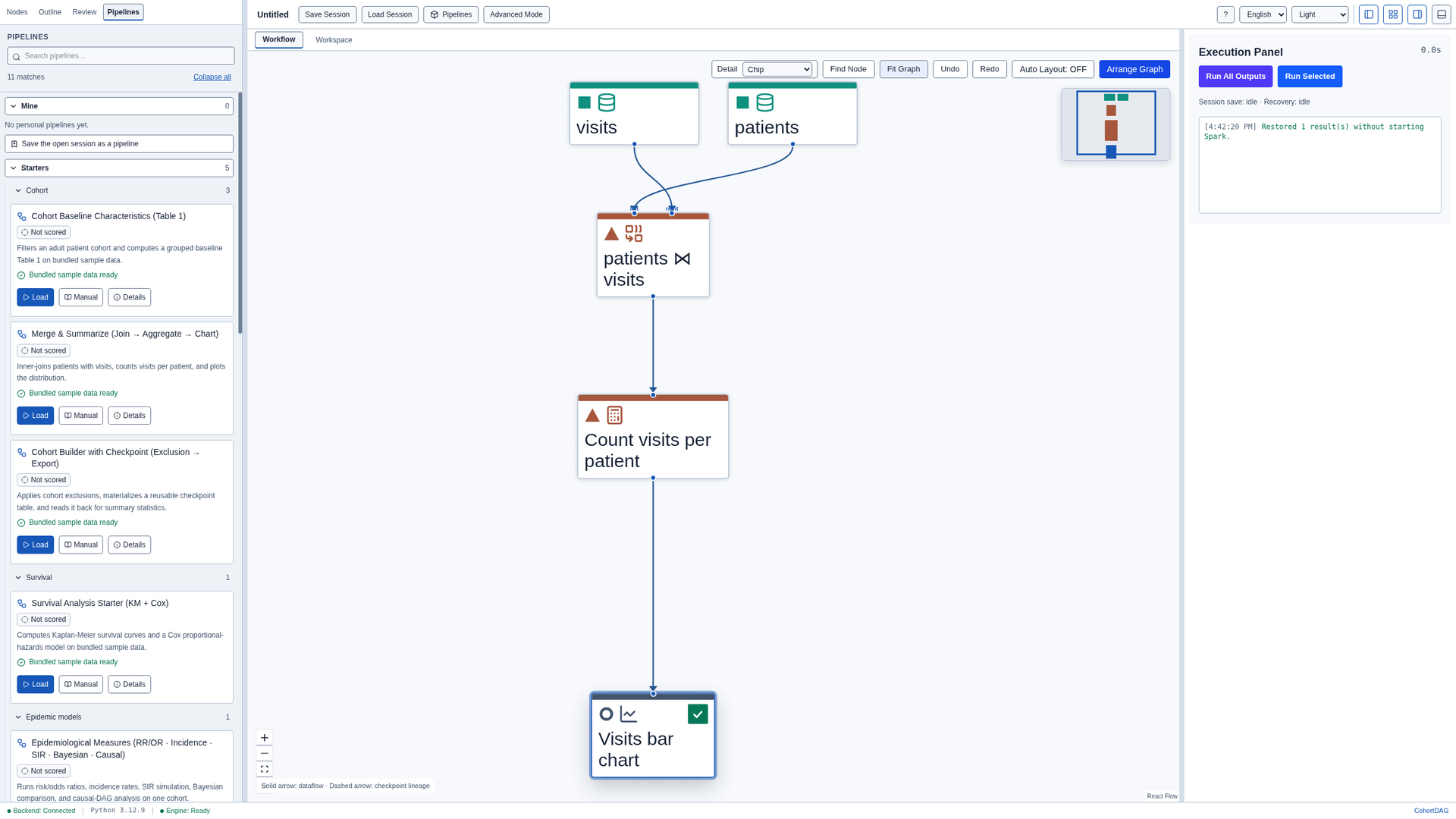
Read the guide for a node
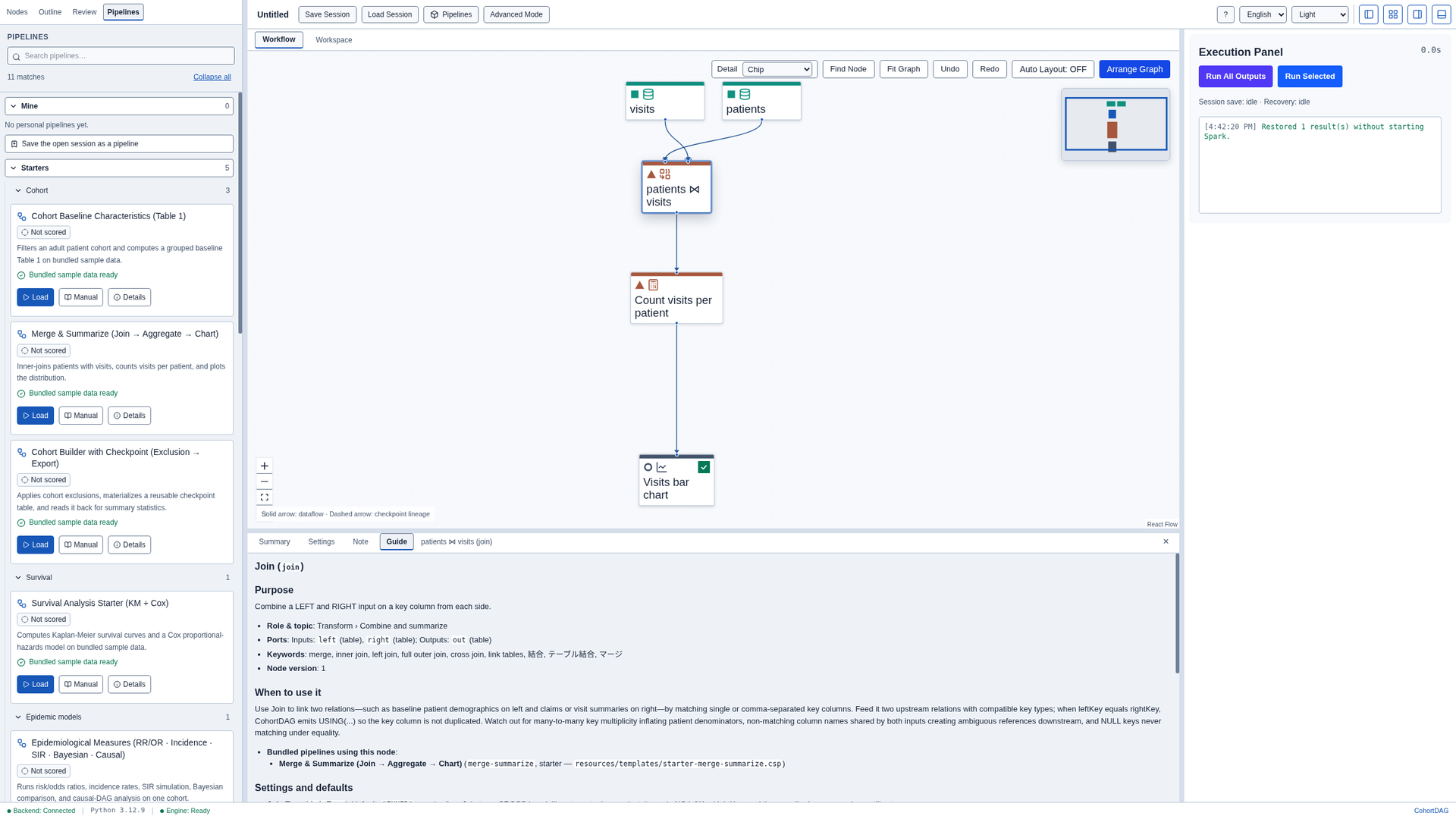
Select the node that joins patients and visits, open the results panel, and choose the Guide tab. It explains what the node does, when to use it, and how to read its results.
Open a guide from the palette
Open the node palette to read any guide. Click the info button next to Filter.

Close the guide
Press Escape to close the guide. Focus returns to the button you started from.