Exclude patients and export the result
How-to · CohortDAG 0.2.9
Load the starter pipeline
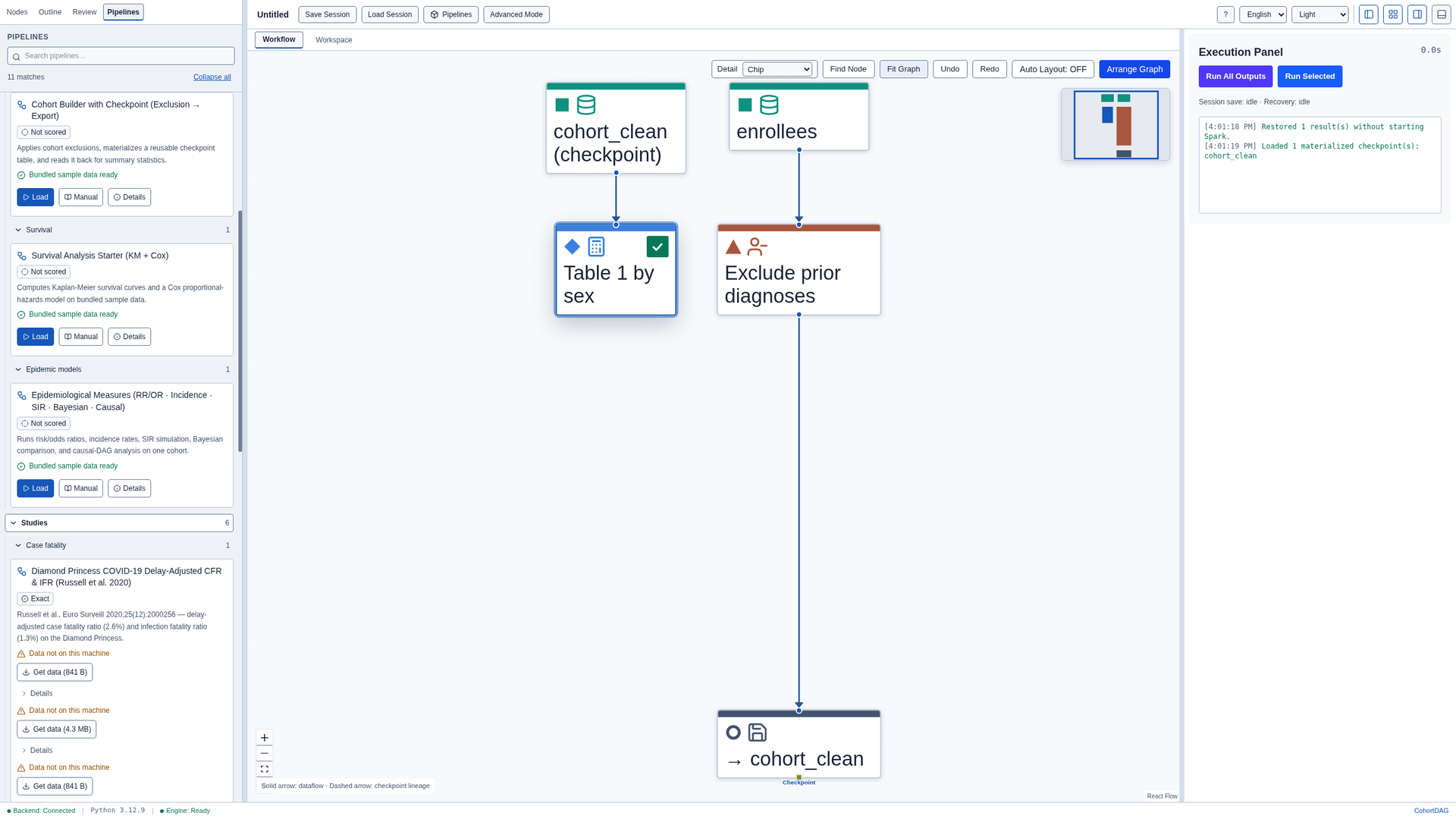
Click Pipelines and, under Starters, load Cohort Builder with Checkpoint. It runs on sample data that ships with CohortDAG. Close the results panel and click Arrange Graph.
Check the exclusion
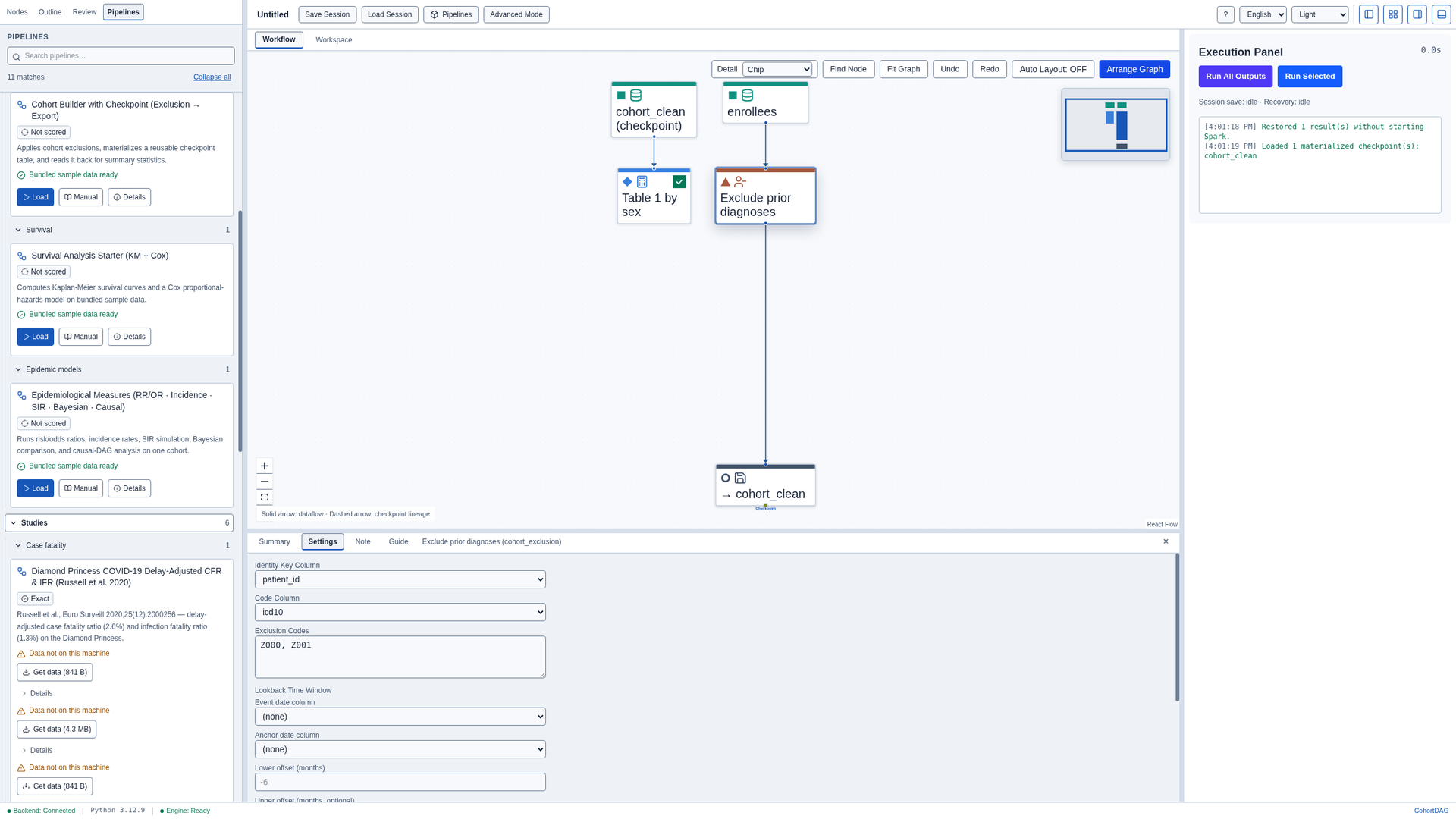
Select the Cohort Exclusion node and open Settings. It removes every patient with the code Z000 or Z001 in the icd10 column.
Run the pipeline
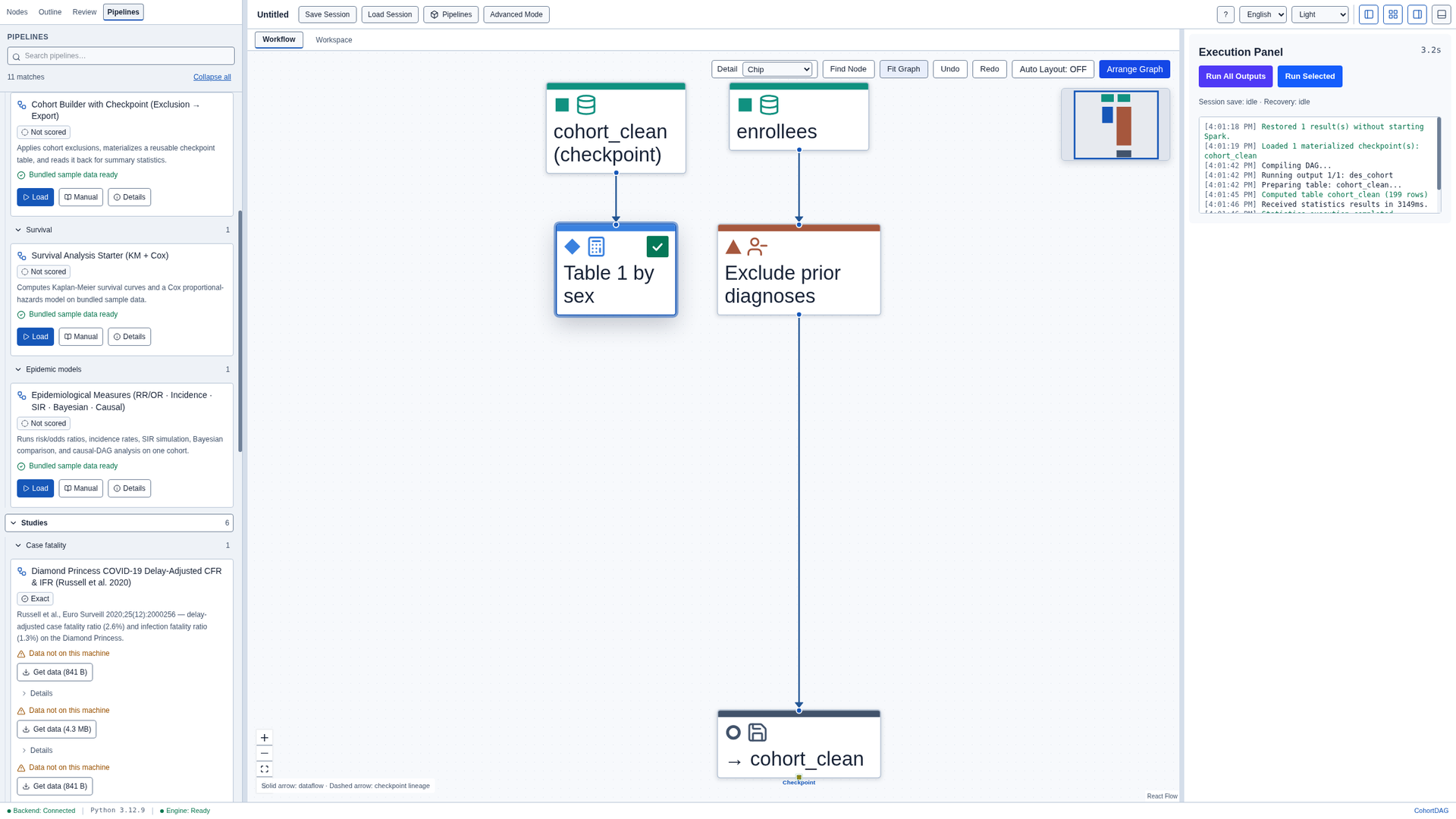
Click Run All Outputs. The Export Data node saves the remaining cohort as a table named cohort_clean, and the second data source reads it back. When the run finishes, close the results panel.
Read the cohort
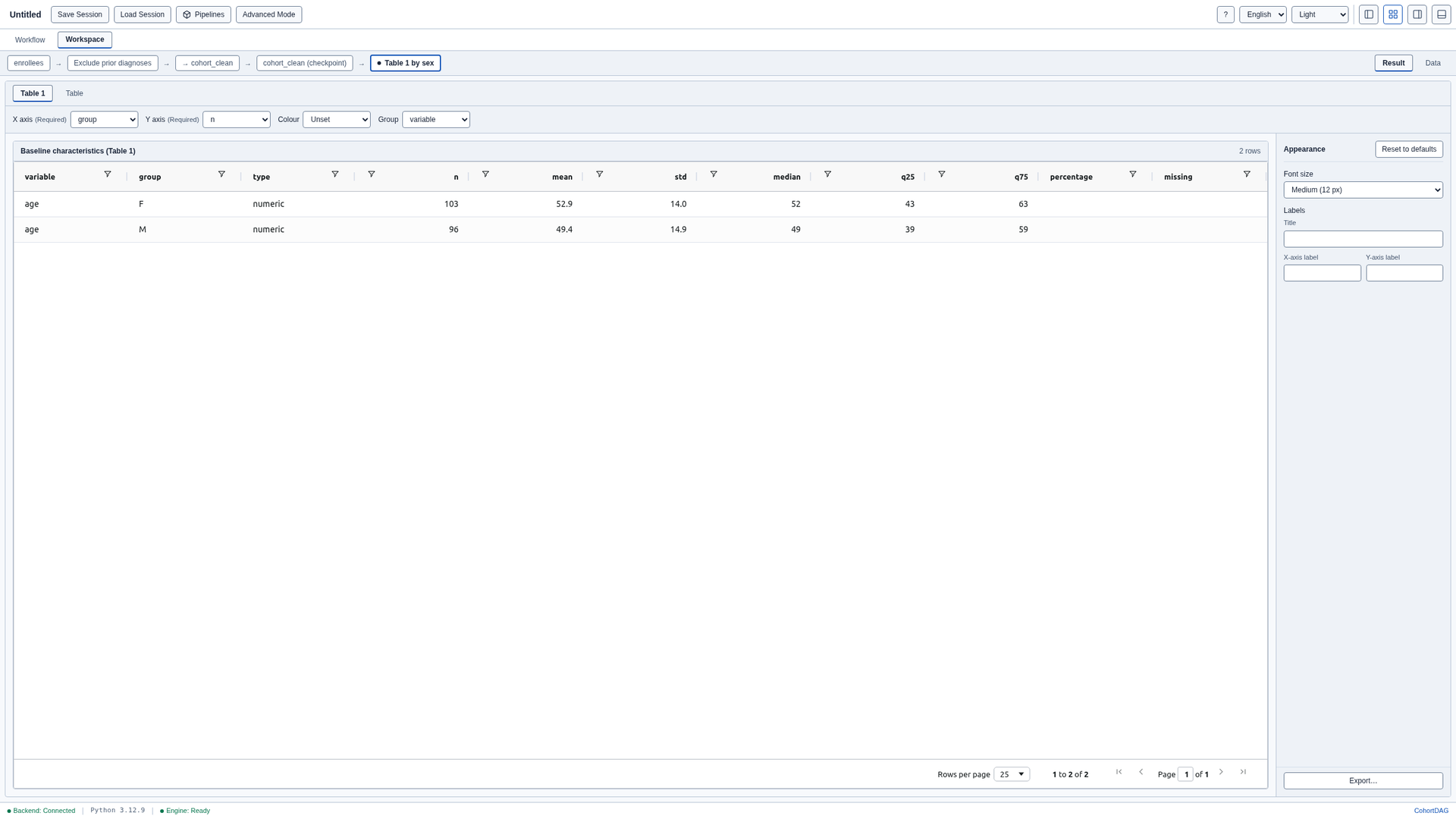
Select the Descriptive Stats node and open the Workspace tab. After the exclusion, 199 patients remain: 103 female and 96 male.

Export the values
To keep the values, click Export, choose a folder and click Export again. CohortDAG writes the table as a CSV file, with a manifest that records what was exported.