Build a pipeline on the canvas
How-to · CohortDAG 0.2.9
Drag a node in
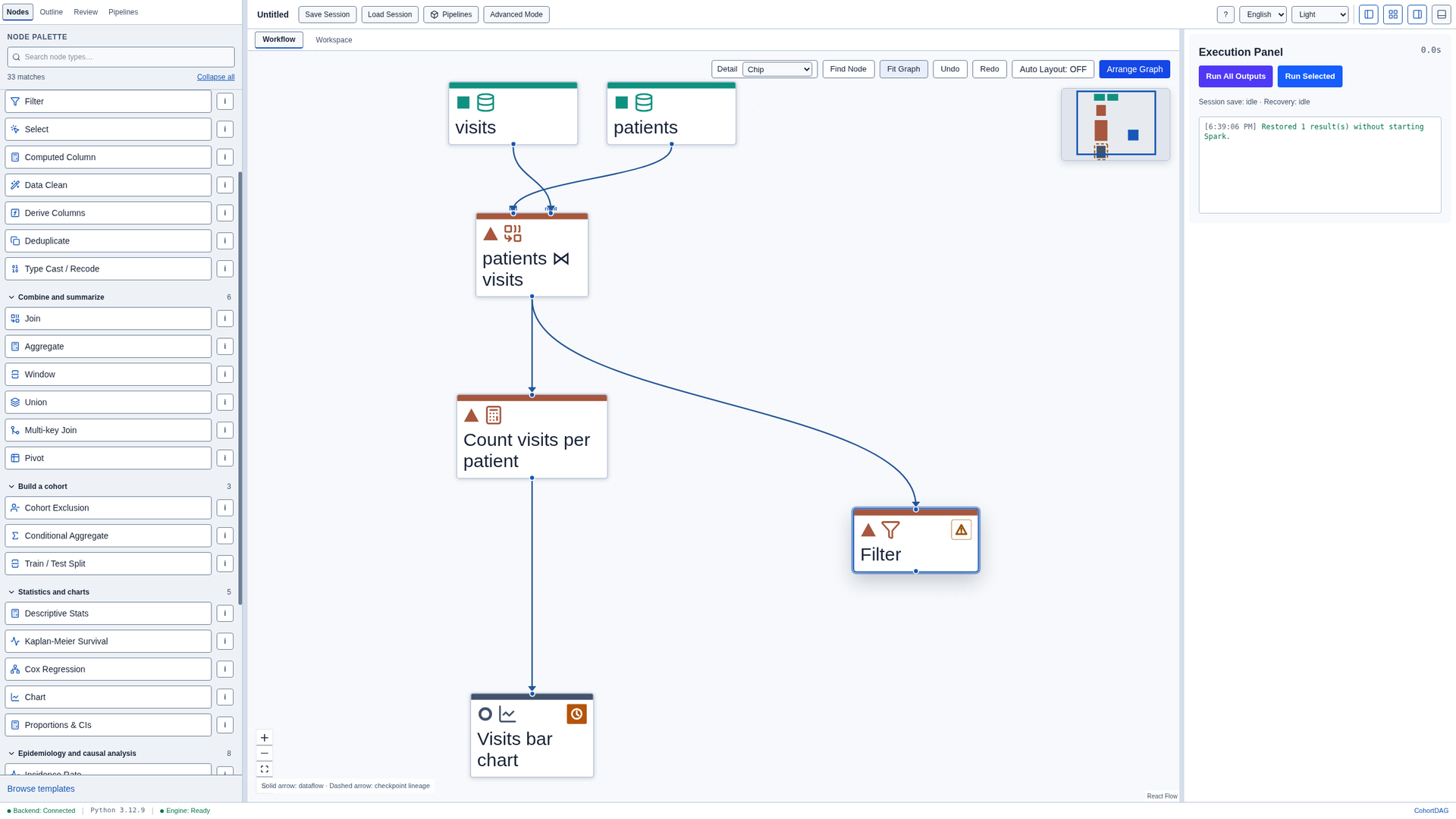
Drag a node from the Nodes palette onto the canvas to add it. Here, drag Filter to the right of the pipeline.

Connect two nodes
Drag from the output port at the bottom of the join node to the input port at the top of the new node to connect them.

Move a node
Drag a node's title to move it. The connection follows it.
Select several nodes
To select several nodes, hold Ctrl and click each one. Selected nodes can be grouped from their menu.

Delete a node
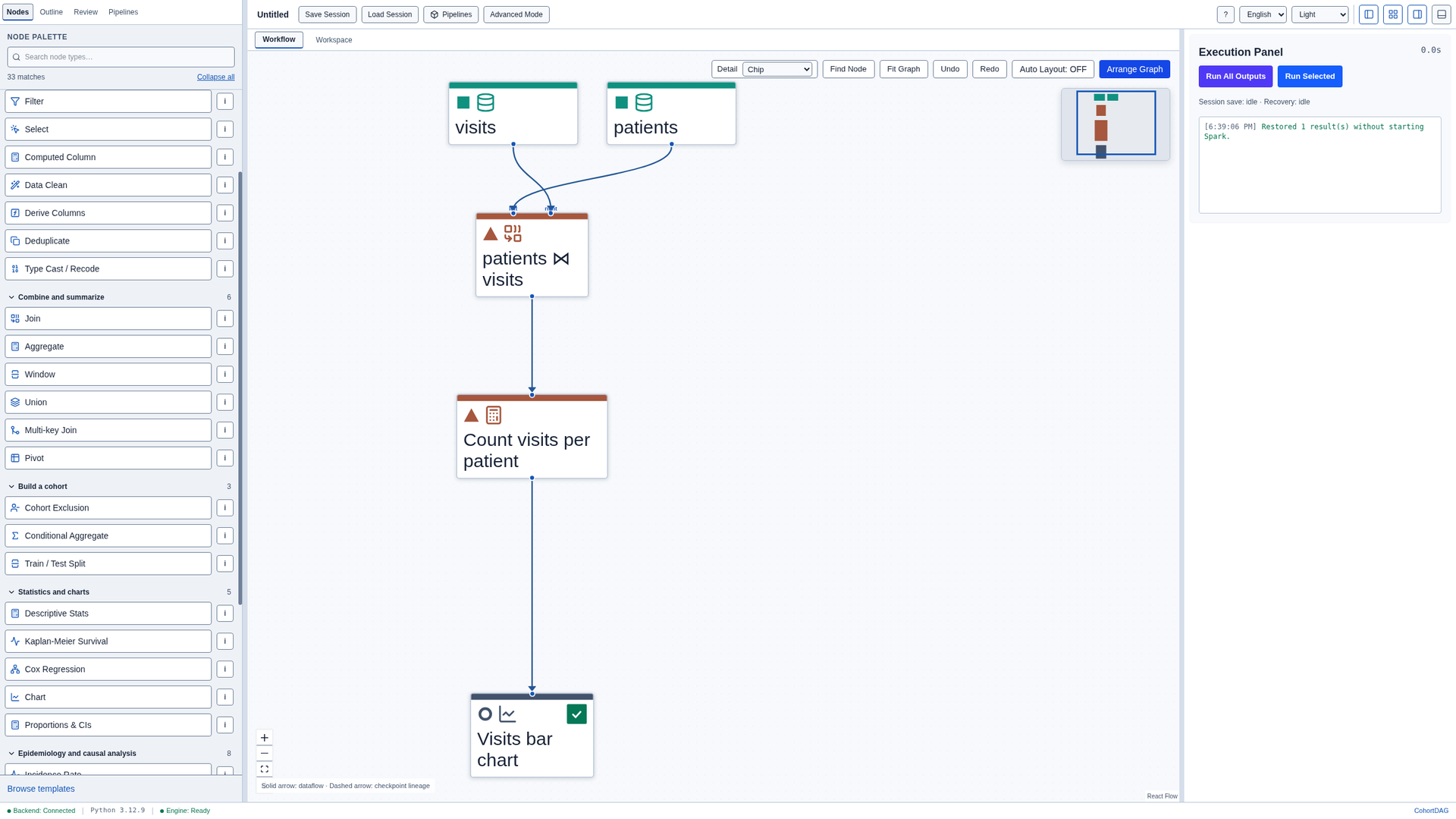
Select a node and press Delete to delete it. Its connections are deleted with it.
Undo
Press Ctrl+Z to bring the node back. The Undo button above the canvas does the same, and Ctrl+Shift+Z redoes the step.
